
❓ How to use these quick actions?
- Log in to the web application
- Go to the patient record or the group photo gallery
- Click on the photo of your patient’s wound
- Click on
 to automatically obtain the lesion measurements
 - Then click on “Tissue analysis” to identify the tissues that make up the wound
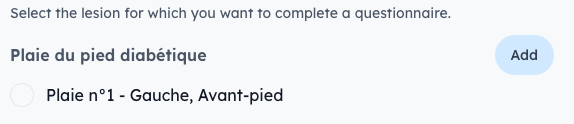
📸 Good to know : Once the analysis is complete, a new photo is generated with the measurements included. You can then associate it with:
- The existing wound it was taken from
- Or a new wound by tapping "Add"
⚠️ Prerequisite : This feature is only available when the calibration sticker has been detected in the photo. To check calibration that it has been detected, the button appears when you hover over the image, or when you open the photo in full screen.
📏 Perform straight manual measurements
- Click on the sequence photo to open it in full screen
- 🔬 Click the ruler icon

- 📍 Click on a first point of the lesion, then on a second point
✅ The distance will be displayed directly on the image